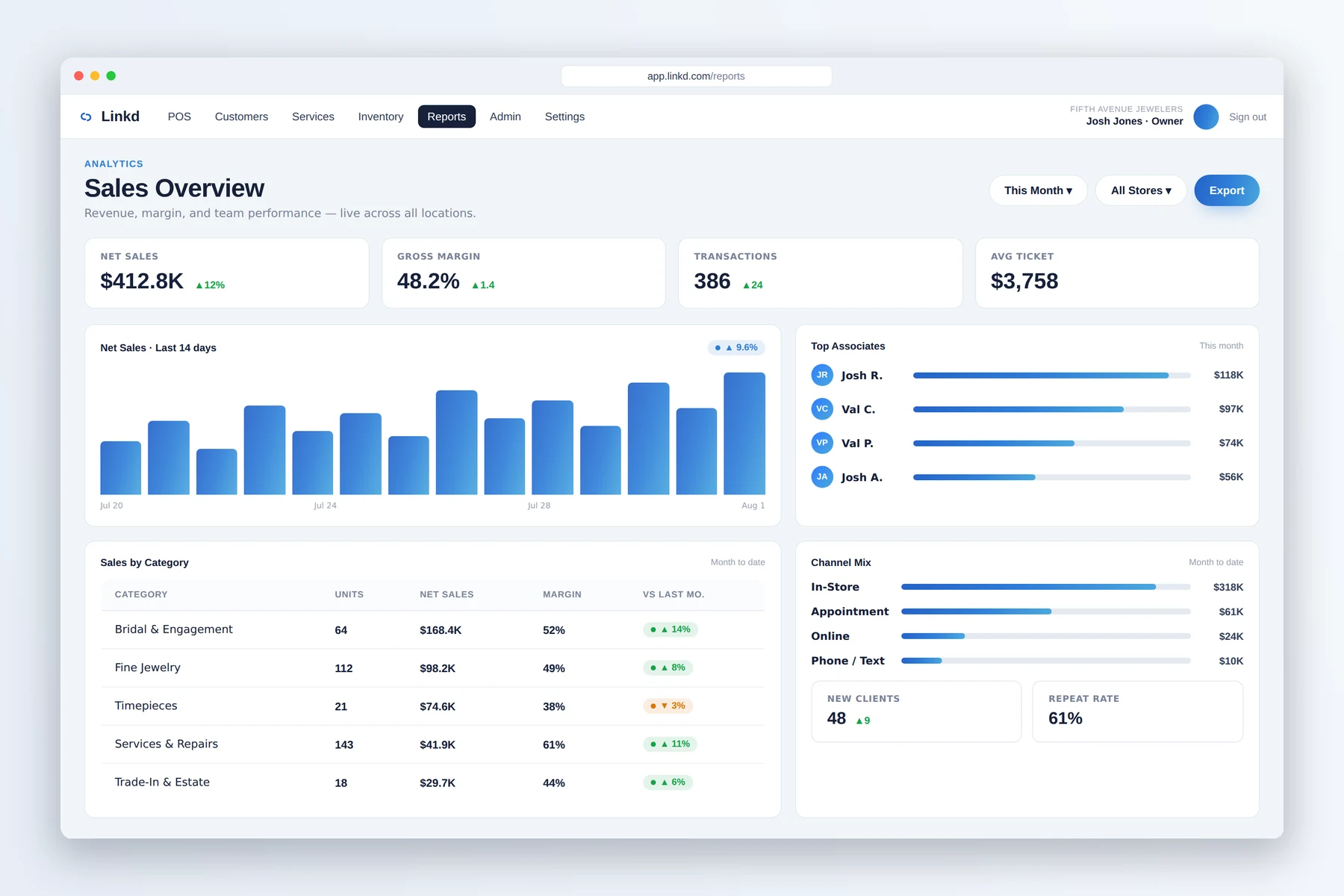
01 / Reporting
Review sales and team activity
The reporting workspace gives managers a starting point for questions about store activity.

Jewelry store security and audits
Review register activity, serialized-item movement, and employee access, with optional CountRetail camera details when an exception needs investigation.
What you can review
The reporting workspace gives managers a starting point for questions about store activity.
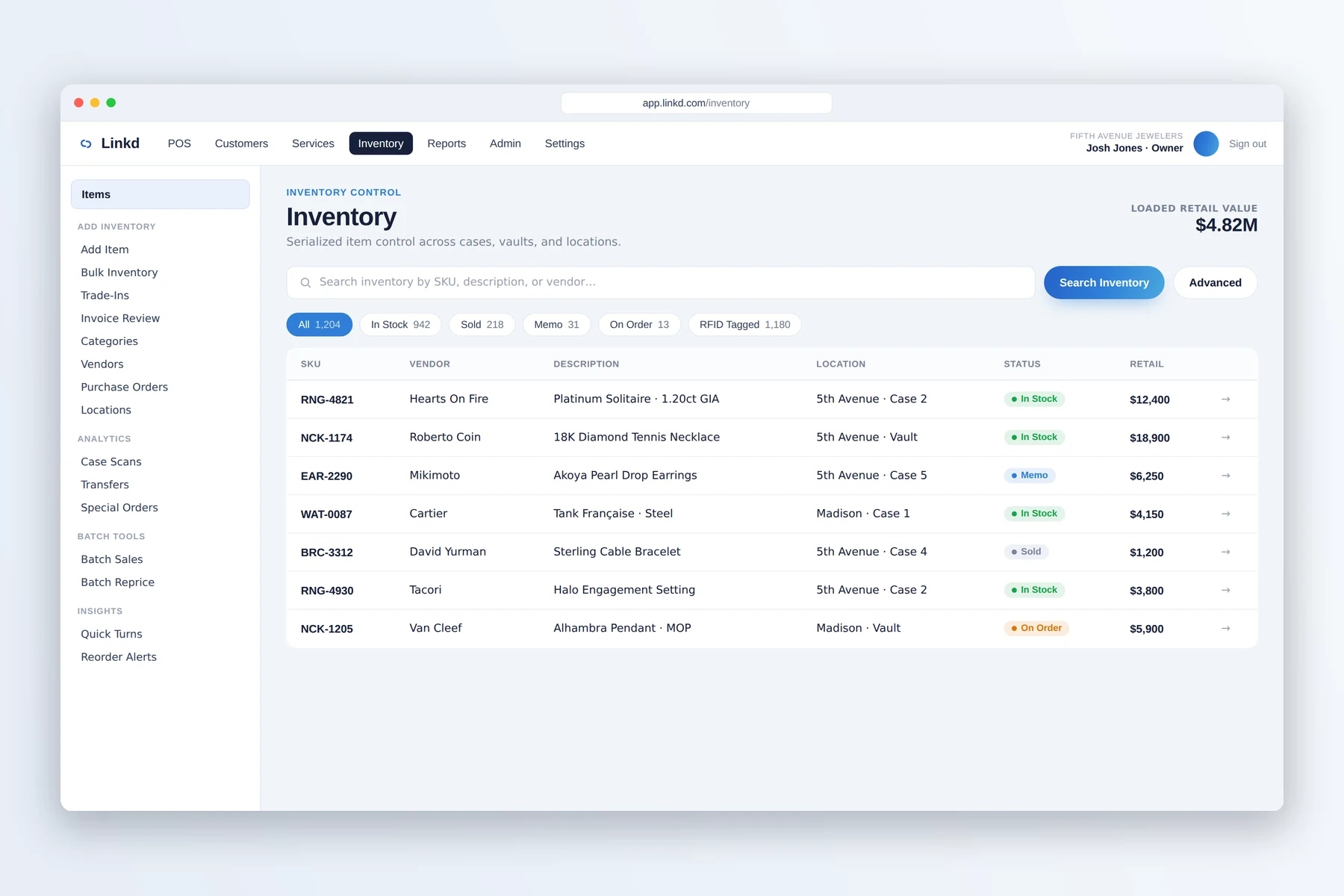
Search serialized inventory when a piece or movement record needs a closer look.
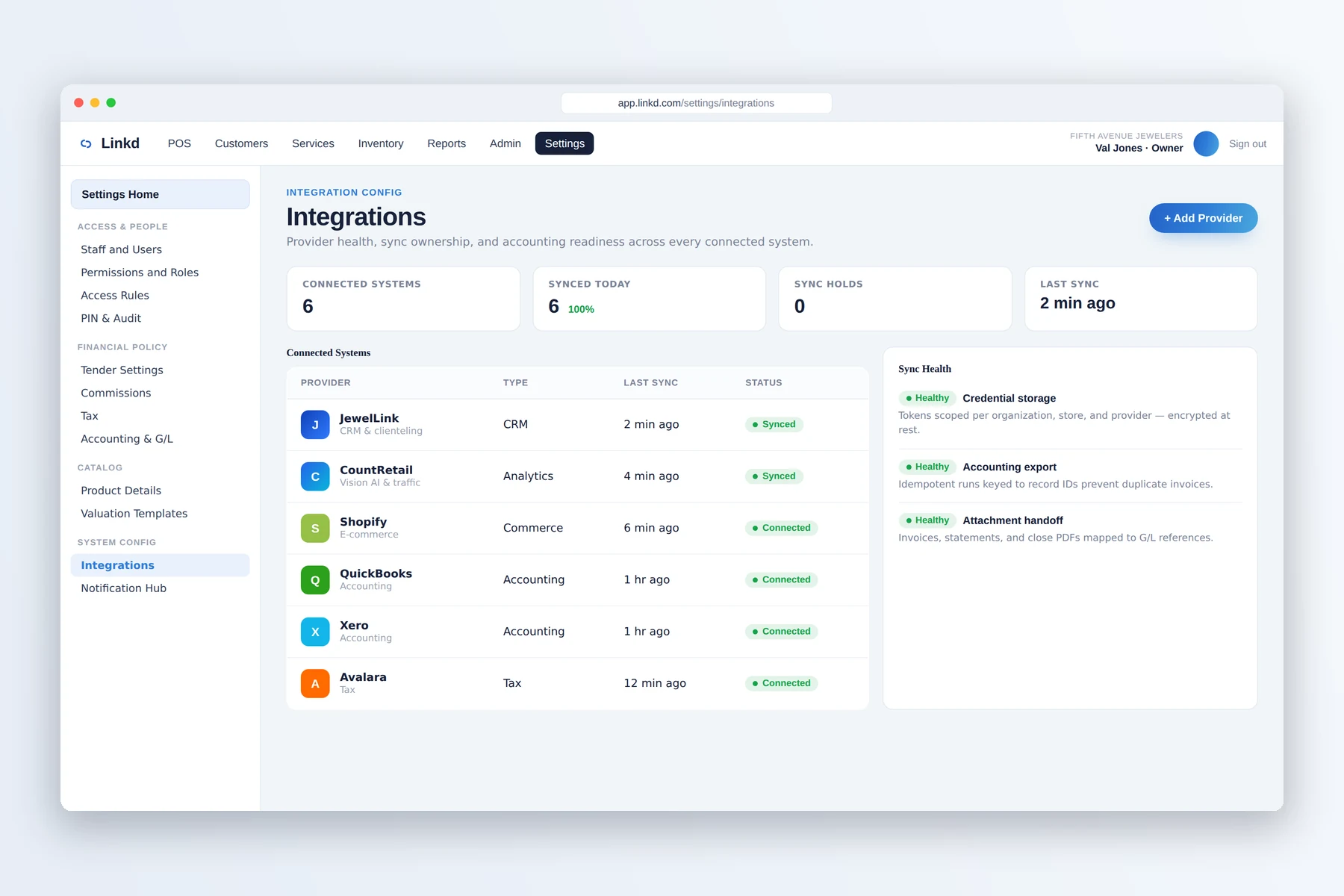
The integrations workspace shows provider and sync status during an investigation.
When something needs review
Keep register events, approvals, and sensitive actions available for review by role.
Keep inventory movement, transfers, receiving, and RFID-ready events with the item history.
Bring together POS, inventory, employee, and optional CountRetail details when an exception needs attention.
From event to review
Linkd keeps role, register, transfer, and inventory records available for review. CountRetail can add camera and traffic details when connected.
Register actions, employee roles, and serialized-item movement remain available for review.
Use reporting, inventory status, transfer history, and connection status to narrow the question.
When CountRetail is connected, camera, zone, and traffic details can support the review.
Quick answers
Linkd keeps POS actions, inventory movement, employee permissions, transfers, and related records available for manager review.
Linkd provides register and inventory records. When CountRetail is connected, traffic, camera, and zone details can add context to an exception review.
Book a demo
Tell us about your store. We will show you the counter, the case, and the back office.