Keep payment details with the sale
Tender type, approvals, balances, and settlement review start from the sale record.

Jewelry POS and store management
Linkd is jewelry-specific POS and store-management software for sales, payments, balances, services, inventory, and reporting—one operating system from the counter through the back office.
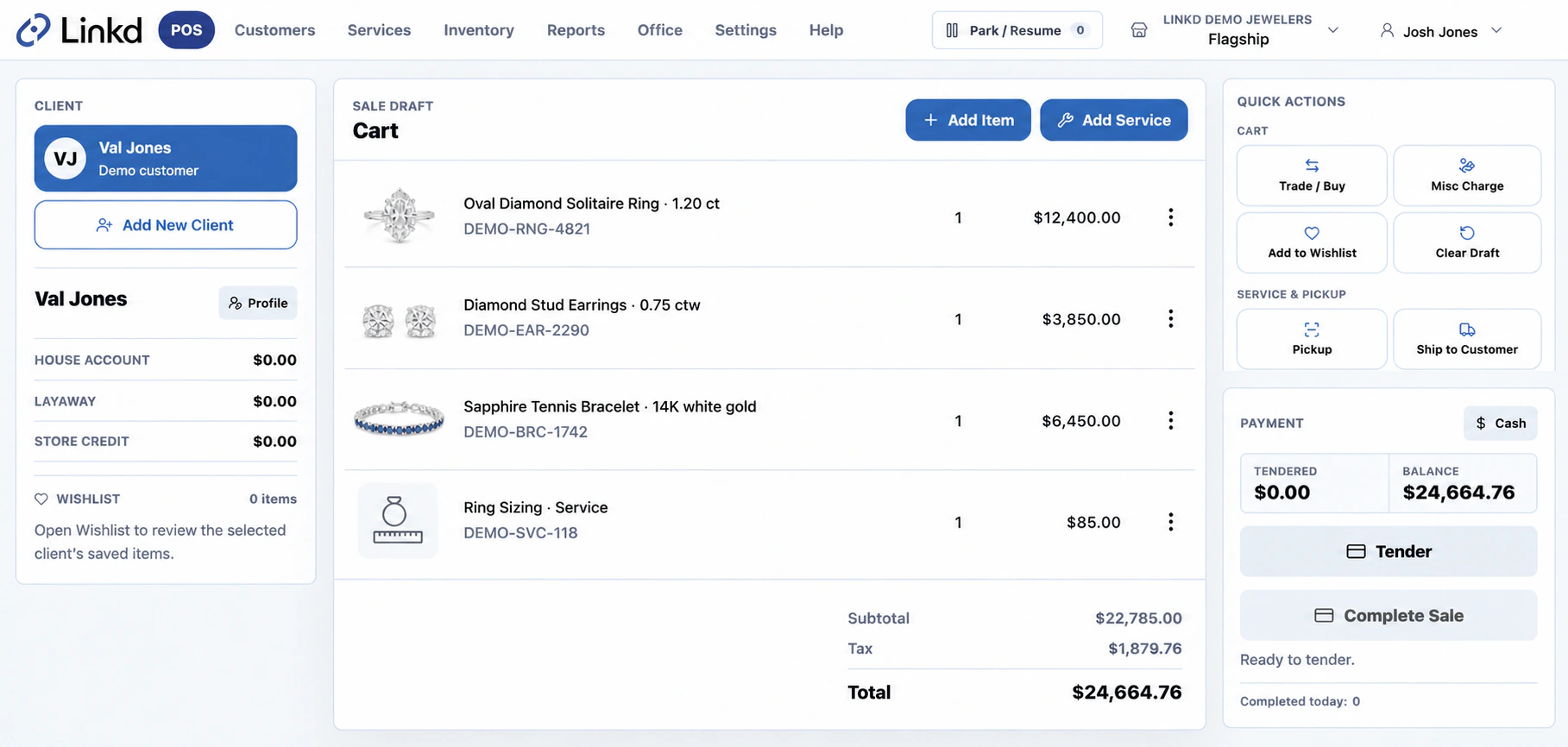
Every piece, payment, person, and promise—connected through Linkd.
See Linkd in action
Explore Linkd sales, payments, receivables, services, inventory, security, and owner workflows with guided sample data.
Start the Linkd guided demoThe same demo hub also includes the JewelLink System.Built around daily store work
How Linkd works
An associate finds the customer, adds a serialized piece or service, takes payment, and finishes the sale. Linkd then updates customer history, item or service status, open balances, and daily reporting.
See the POS workflowWhat Linkd brings together
Payments in Linkd
Linkd records the tender with the sale, customer, and any remaining balance. Your team can review checkout activity and settlement details from the same trail.
Explore PaymentsEvery payment stays tied to the client, sale, service, or account.
Deposits, layaway, and receivables remain visible after checkout.
Use checkout activity and settlement details to investigate mismatches.
The Linkd system
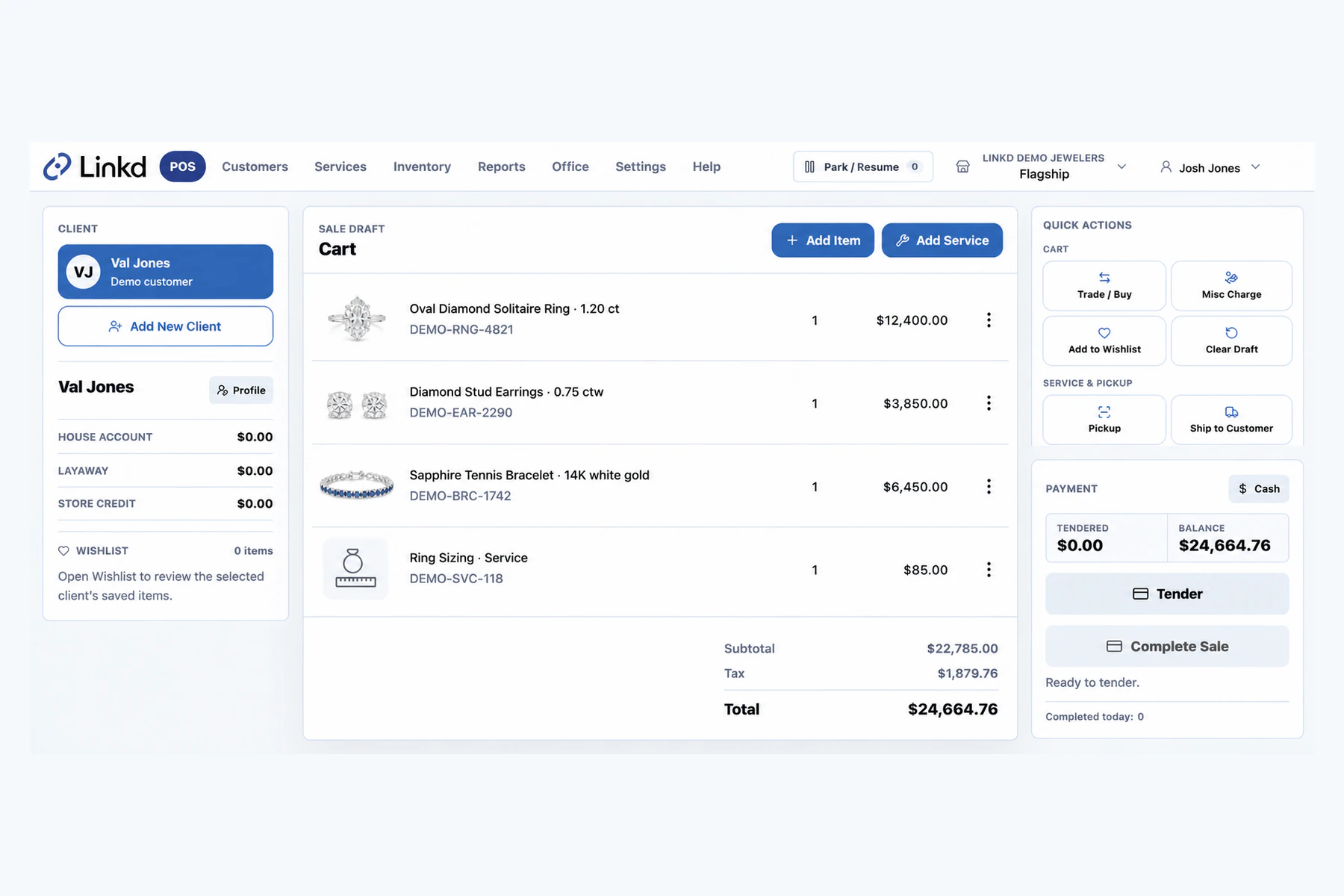
The sale record keeps the customer, jewelry, service work, and payment details together.
Explore the workflow ↗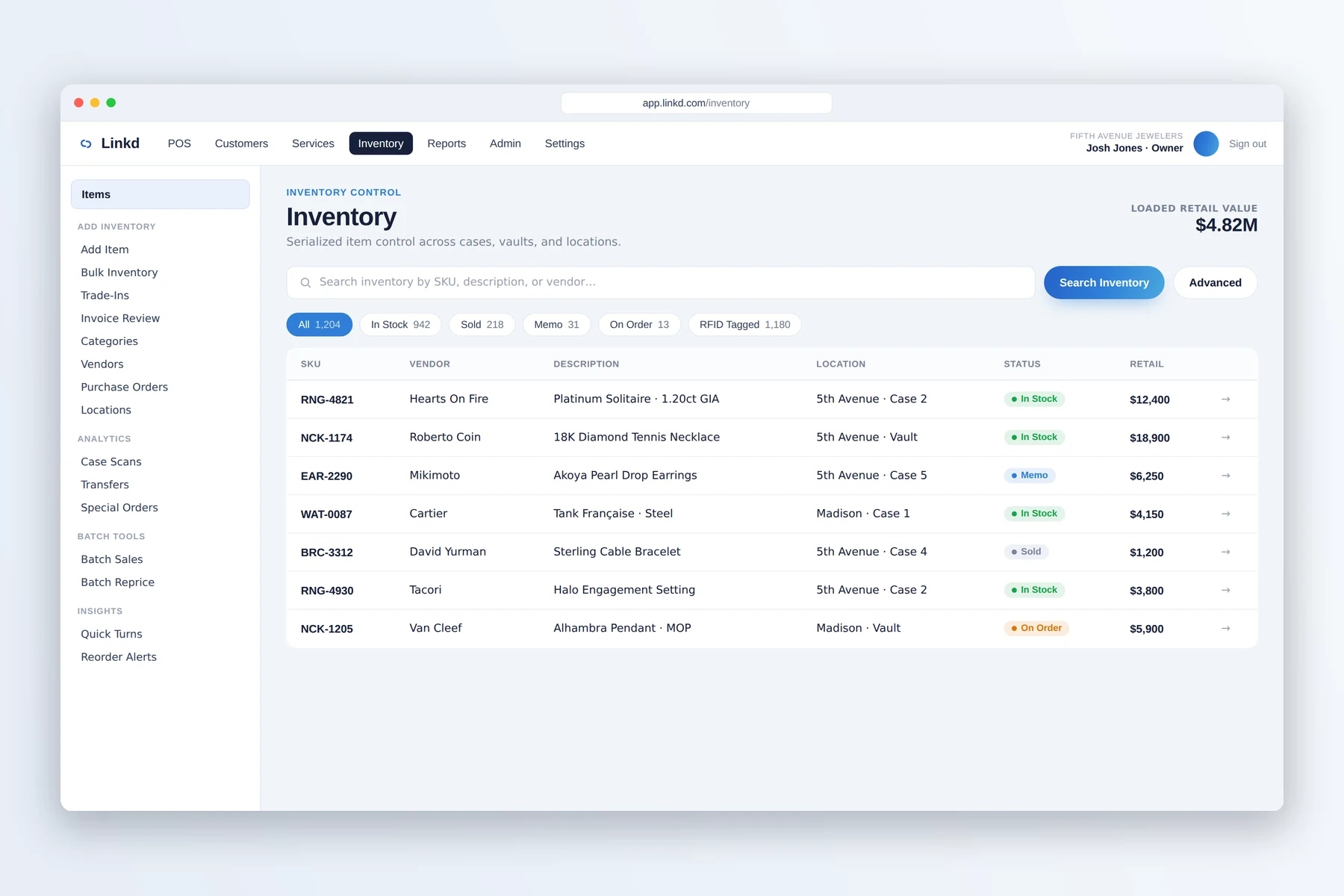
Search serialized inventory and review its movement history, including RFID-ready events.
Explore the workflow ↗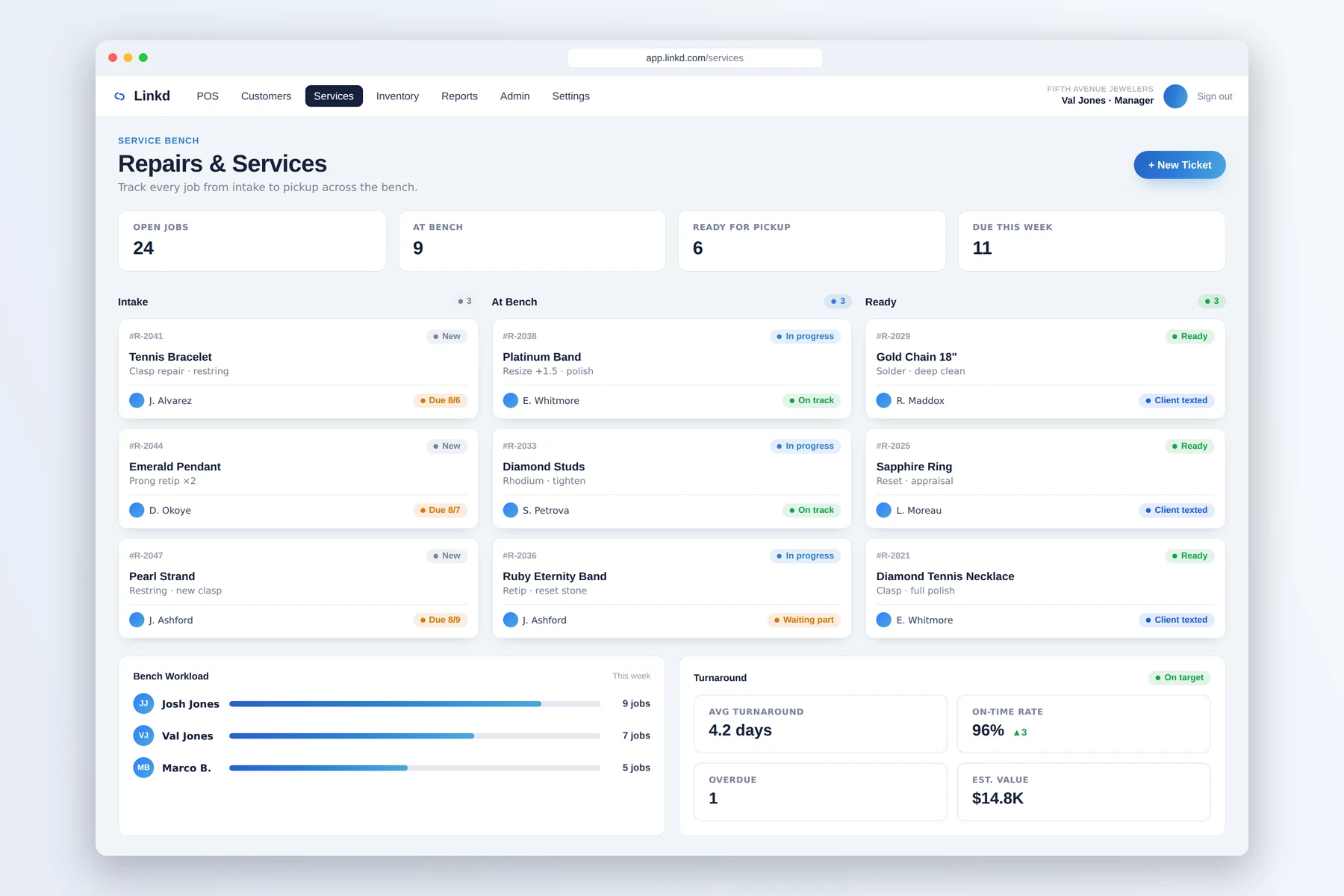
The service board shows each job, owner, due date, and current status.
Explore the workflow ↗The JewelLink System
JewelLink supports customer relationships, CountRetail adds store intelligence, and JewelHire helps build the team. Each works on its own or together as the JewelLink System. Linkd remains your separate POS and ERP, with optional connections when they help.
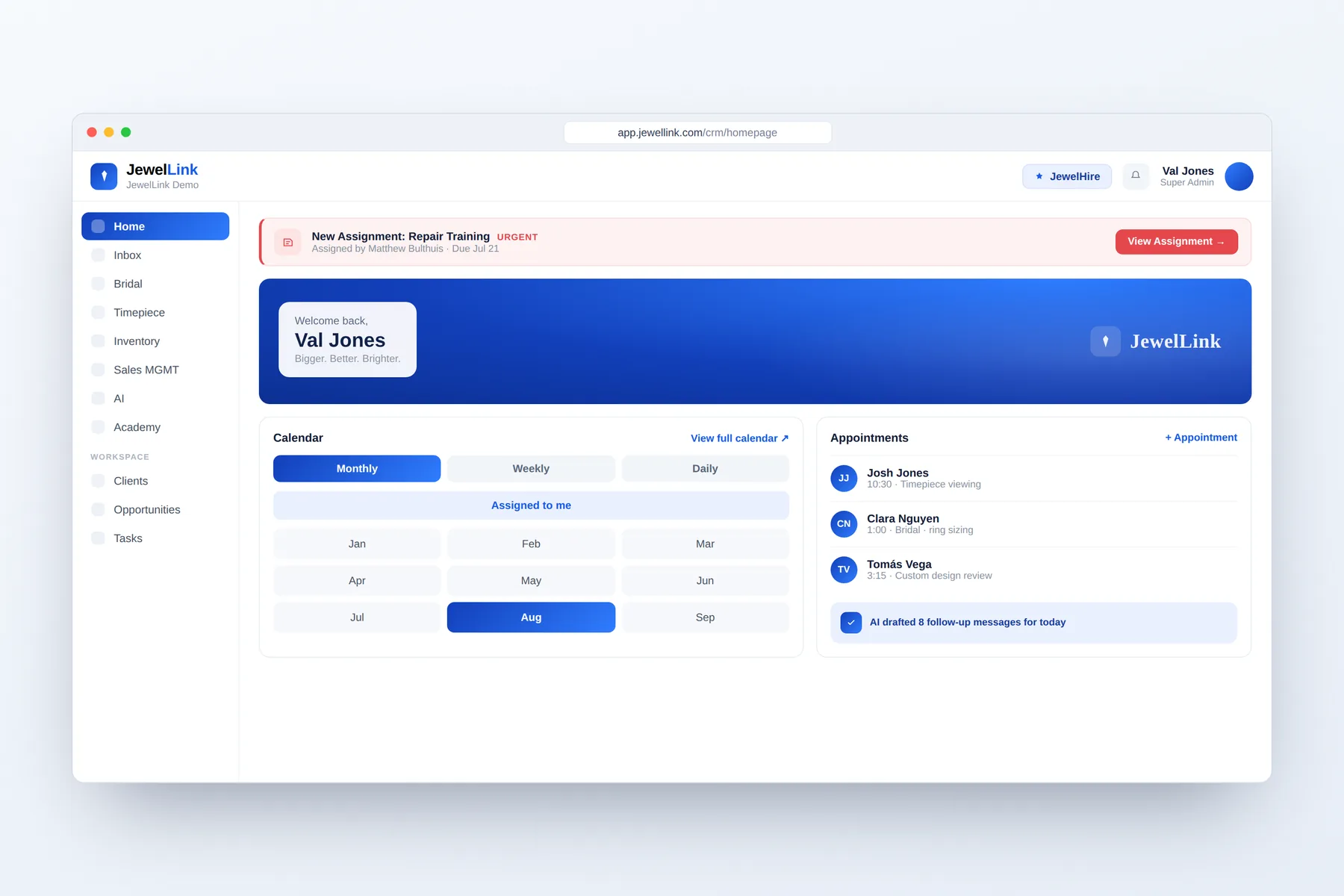
CRM, clienteling, and follow-up.
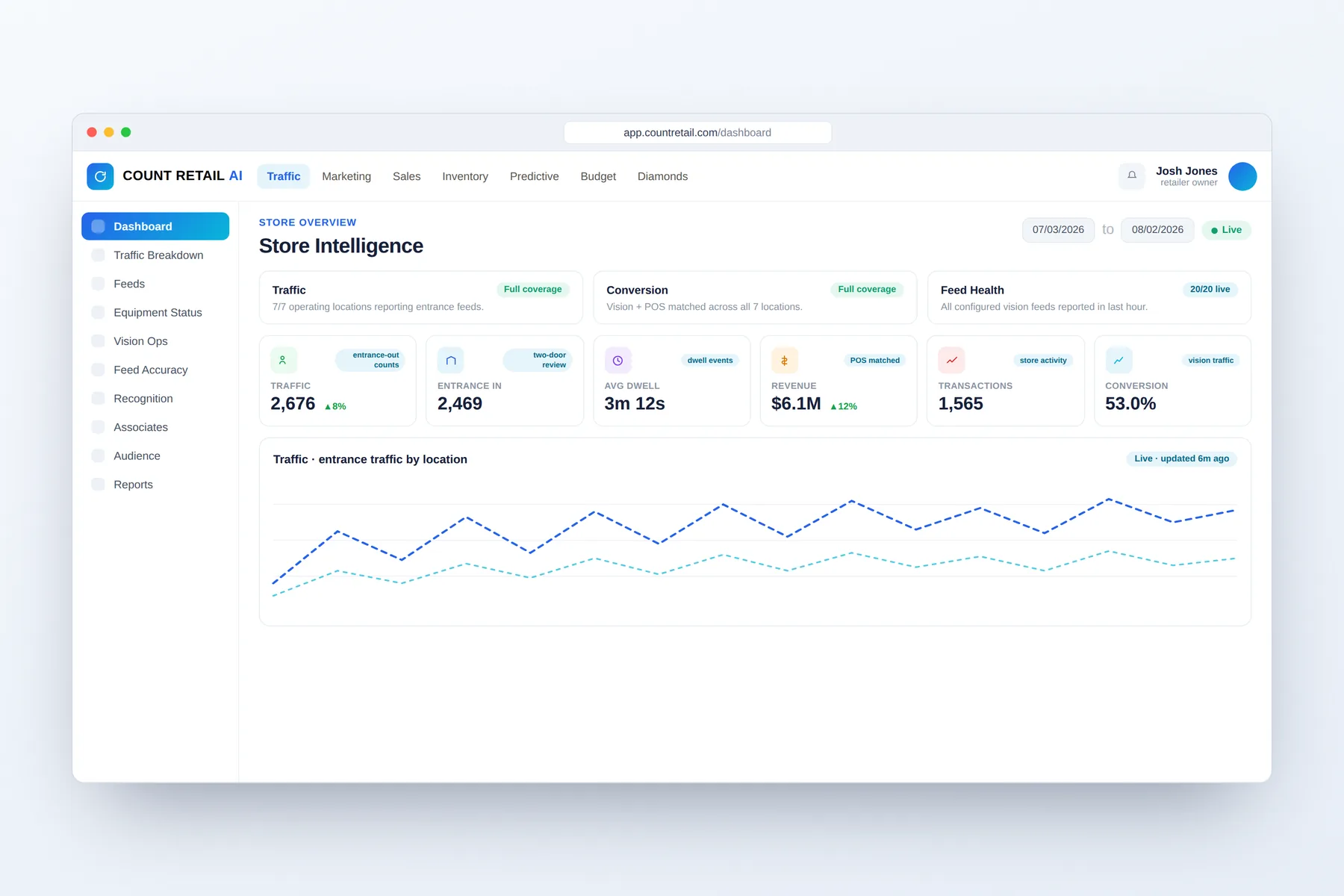
Traffic, Vision AI, and owner insight.
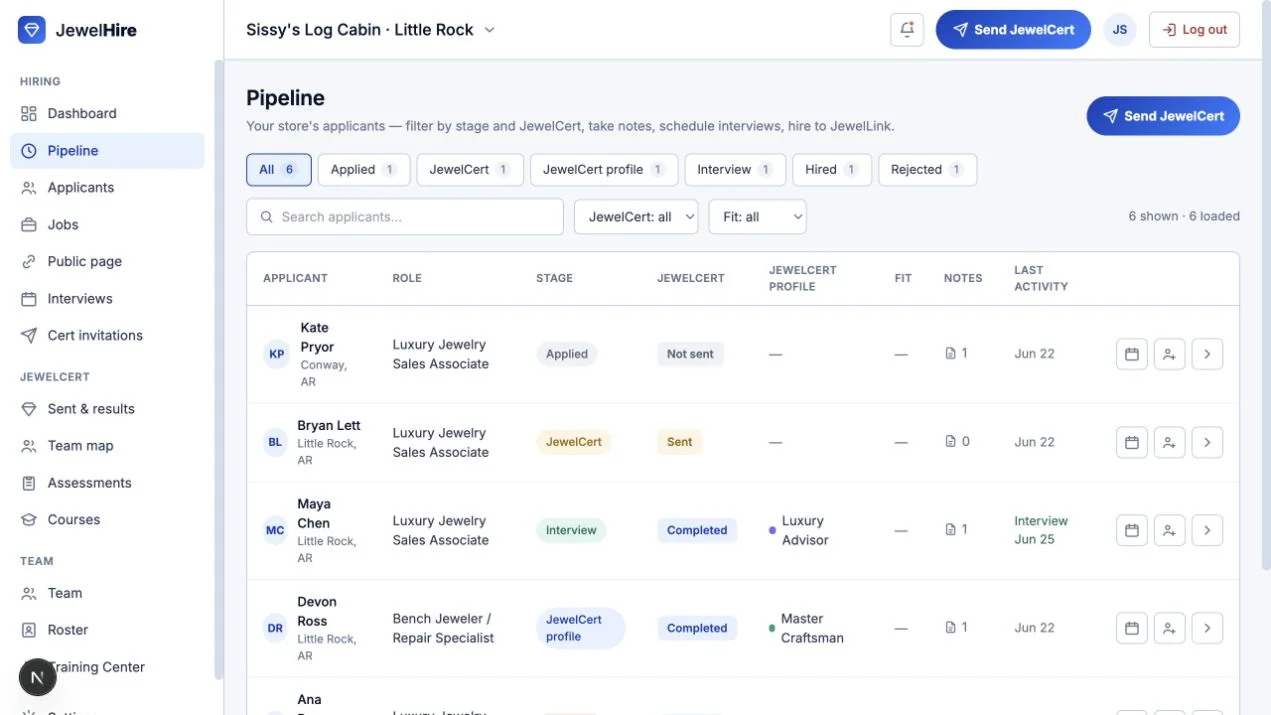
Hiring, assessment, and onboarding for jewelry stores.
Moving to Linkd
We review your current workflows and data, map the records your store needs, validate them with your team, and support the first live sale. Timing and scope depend on the source system and data.
Review your current system, workflows, and data.
Map and clean the records your store depends on.
Confirm data and workflows with your team.
Go live with guided onboarding and real support.
Built for luxury jewelry retail
Quick answers
Linkd is jewelry-specific POS and store-management software for sales, payments, balances, inventory, services, reporting, and accounting preparation.
Linkd records store operations at the counter and back office. JewelLink uses customer and POS context for CRM, clienteling, texting, training, and follow-up.
Migration starts with a review of your current system and data. We then map, validate, and launch the records your store needs. Timing depends on the source system and data quality.
The JewelLink System brings together JewelLink CRM and clienteling, CountRetail store analytics, and JewelHire hiring and onboarding. Linkd is a separate POS and ERP product that can integrate with them.
Book a demo
Show us your processor, your workflows, and the system you are leaving. We will map the Linkd path from counter to close.