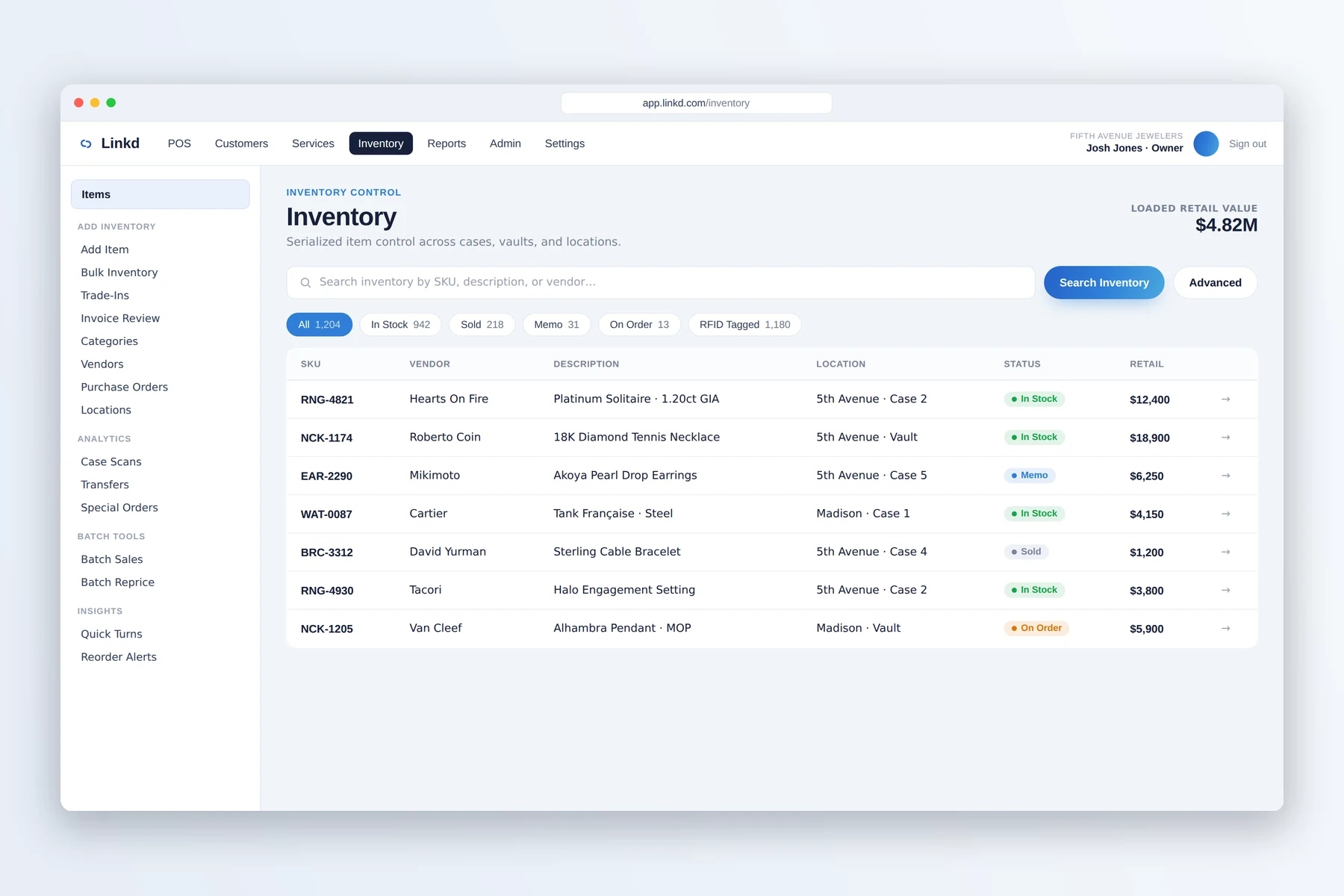
01 / Inventory
Find each item's store and location
Search inventory and check where a serialized piece is currently recorded.

Multi-store jewelry operations
Move inventory between stores, set access by role, and compare location activity from one Linkd workspace.
Across locations
Search inventory and check where a serialized piece is currently recorded.
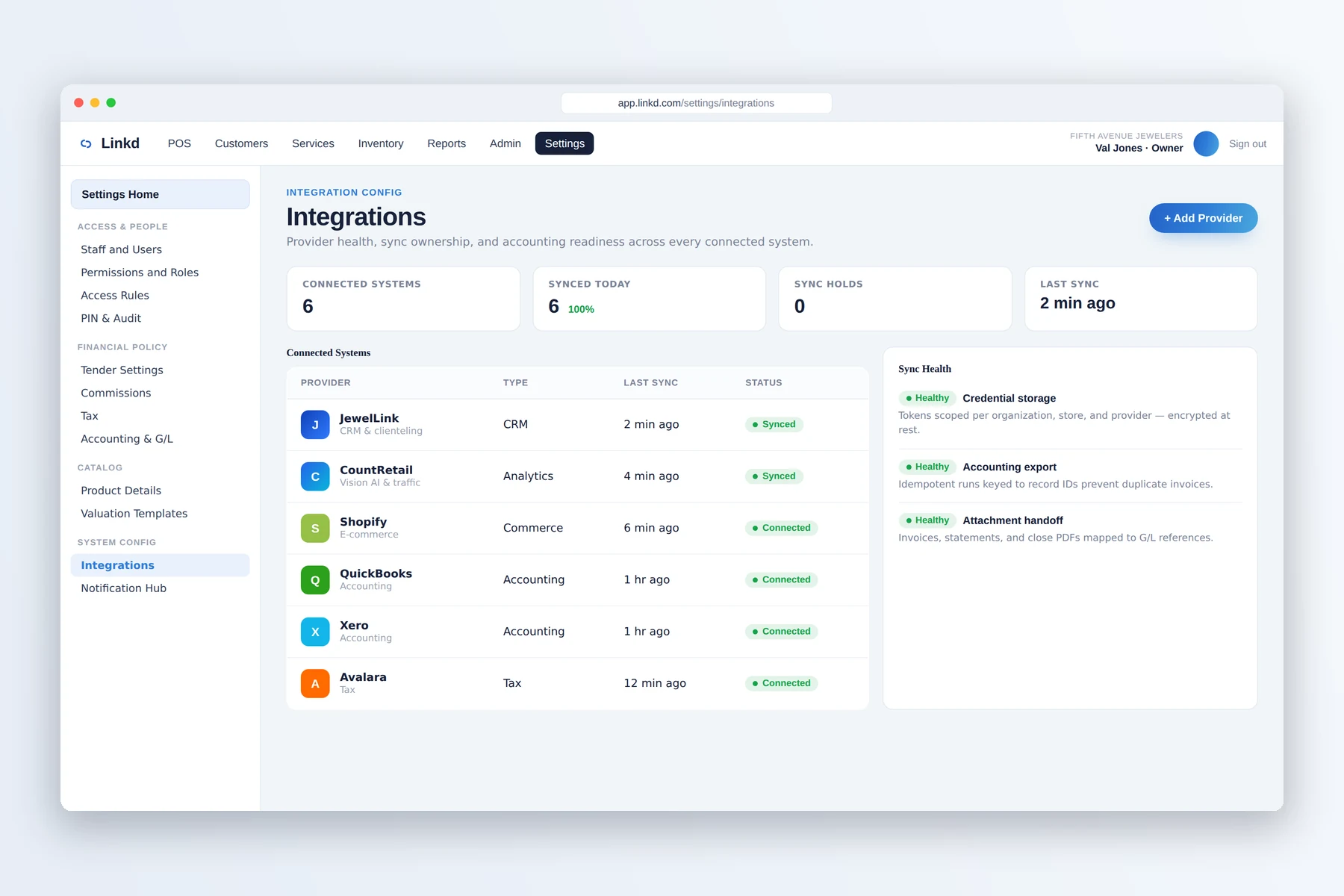
The integrations view shows configured providers and their current connection state.
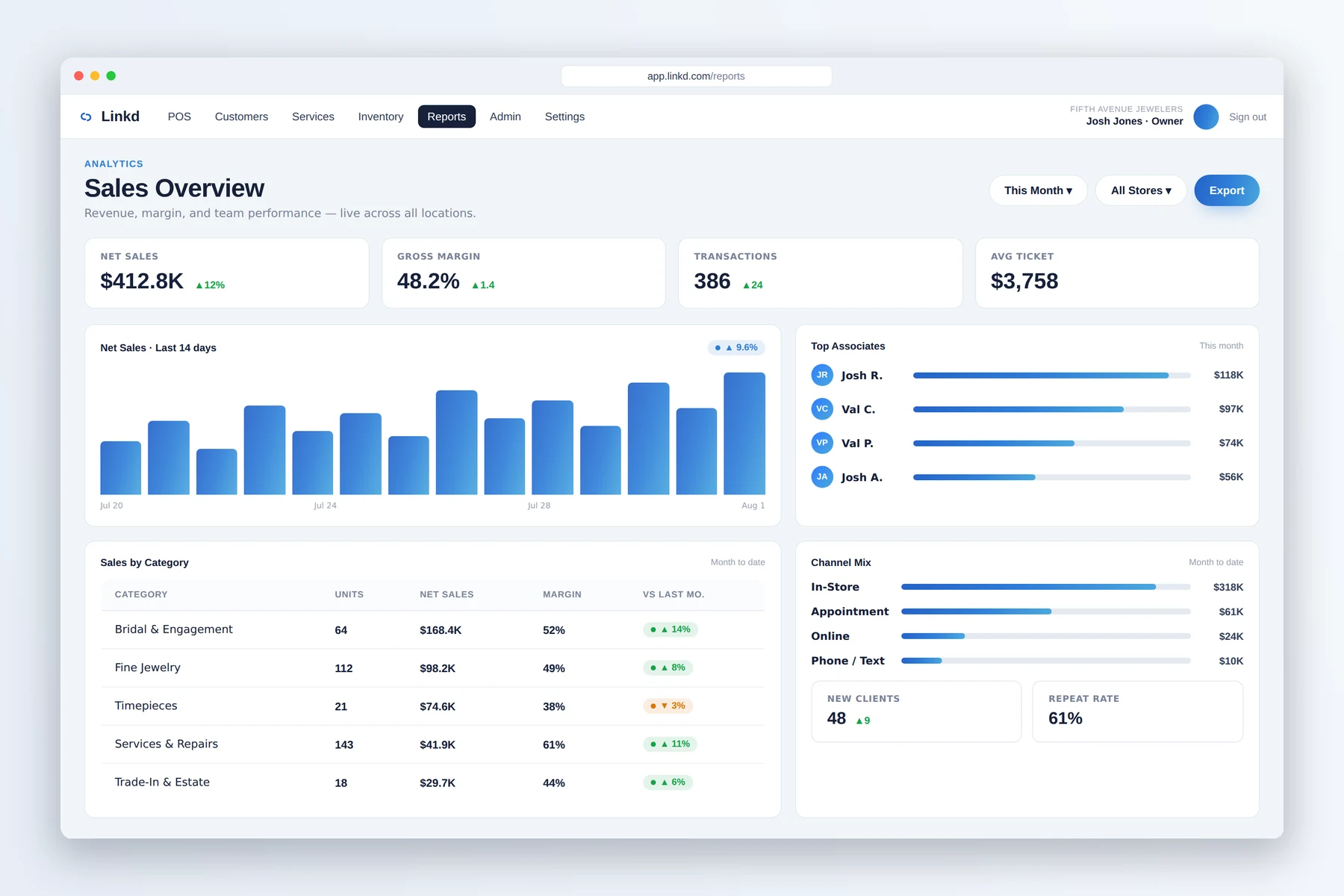
Owners can use the all-store reporting view to compare sales and store activity.
For owners and managers
Keep receiving, vault movement, and inter-store transfers in the item's movement history.
Set register controls, approvals, and access around each employee's role and location.
Compare sales, tenders, inventory, and connection status without combining separate store reports by hand.
One shared process
Linkd ties inventory, transfers, permissions, and sales to each location. JewelLink and CountRetail are optional additions for customer and store-performance information.
Each serialized item keeps its current location and movement history.
The sending and receiving locations use the same transfer record and item history.
Owners can compare store activity while managers continue working in their own location.
Quick answers
Yes. Linkd supports inventory movement, inter-store transfers, role permissions, and reporting across locations.
When connected, JewelLink can use customer and POS details while CountRetail can add traffic and store-performance information by location.
Book a demo
Tell us about your store. We will show you the counter, the case, and the back office.