01 / Status
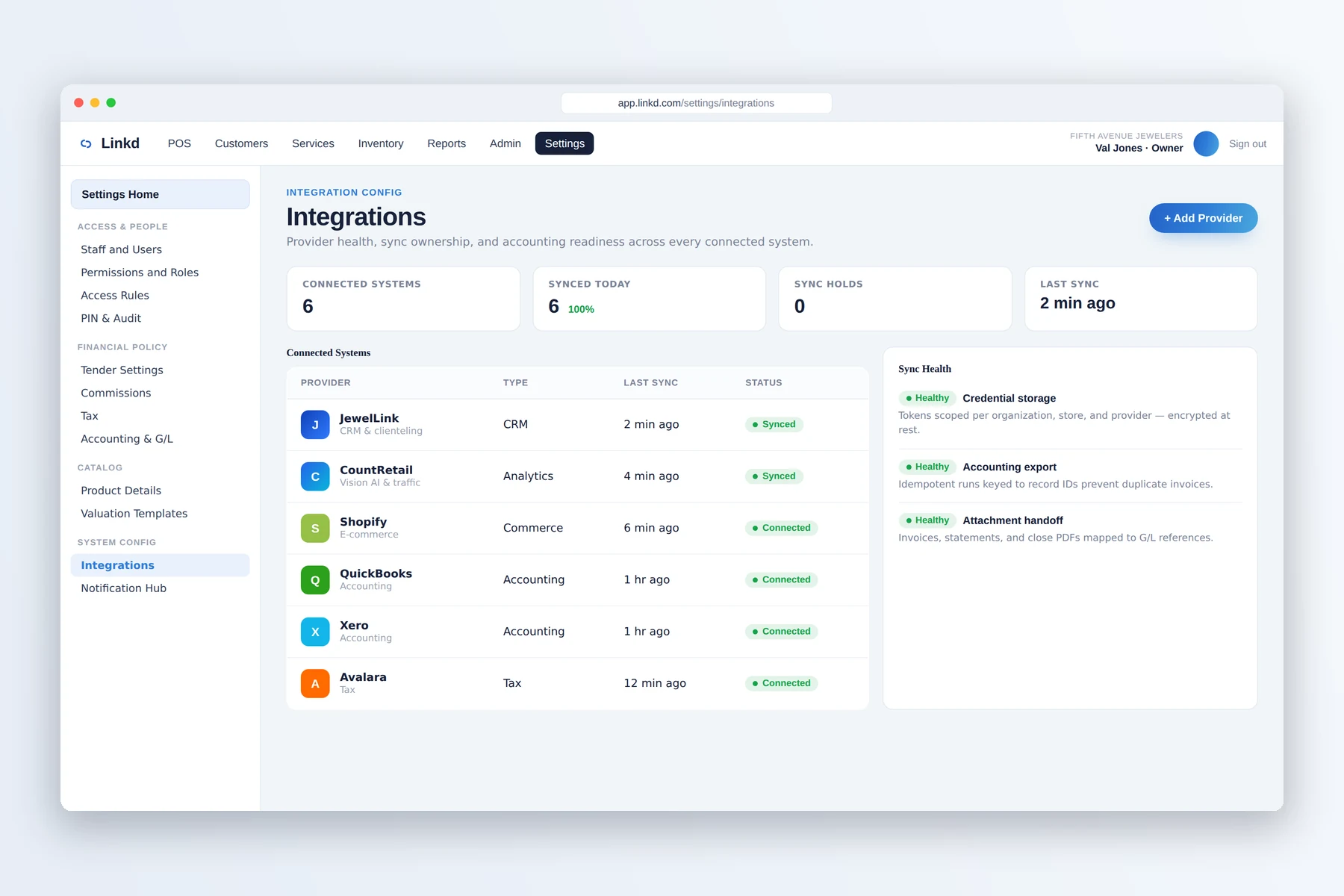
Check provider and sync status
The integrations workspace shows configured providers and their current connection state.

Jewelry retail integrations
Connect Linkd with payment, accounting, commerce, tax, RFID, CRM, and analytics tools. Exact availability and setup are confirmed during integration planning.
Connection setup
The integrations workspace shows configured providers and their current connection state.
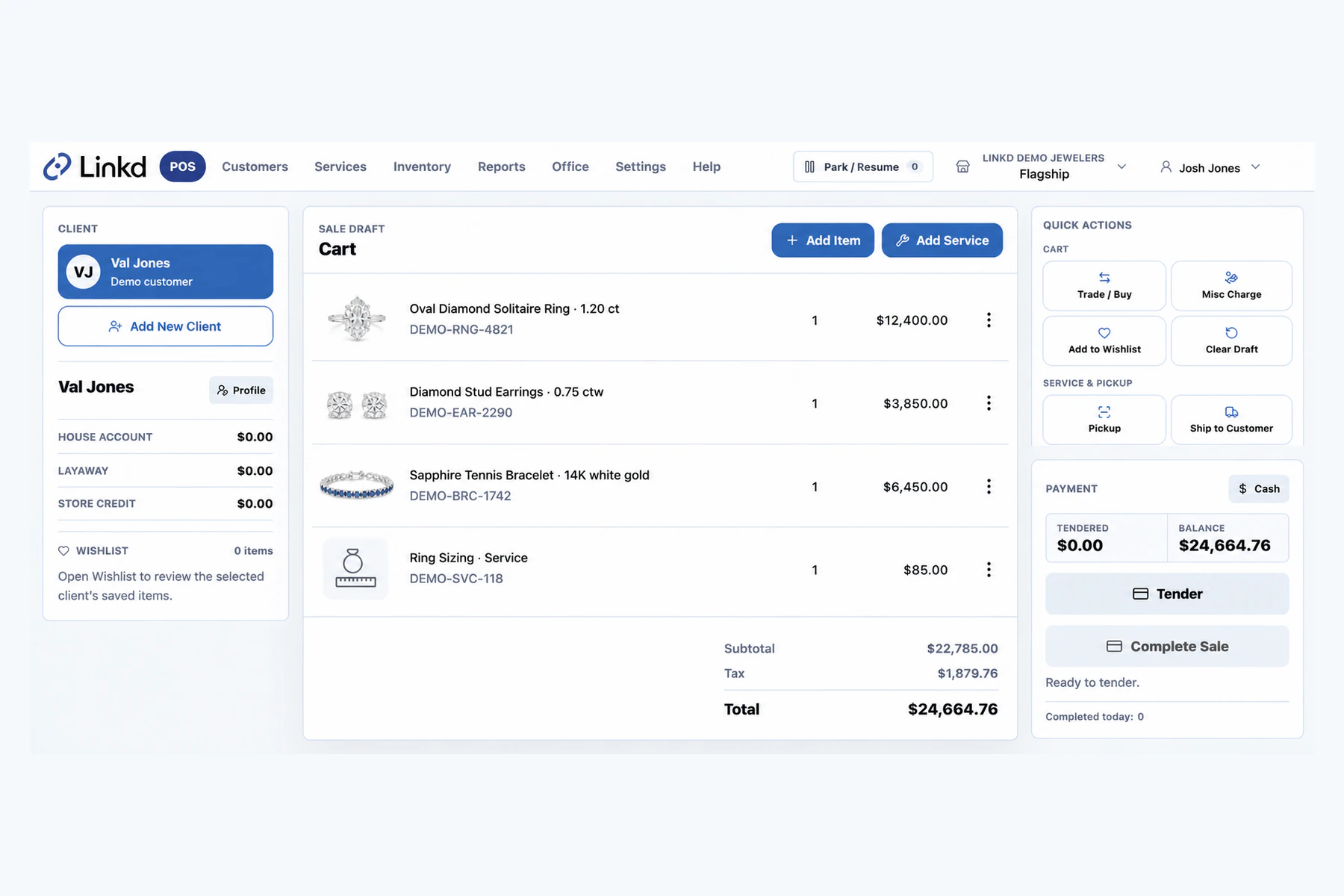
The sale begins with the customer, items, services, and tender in Linkd.
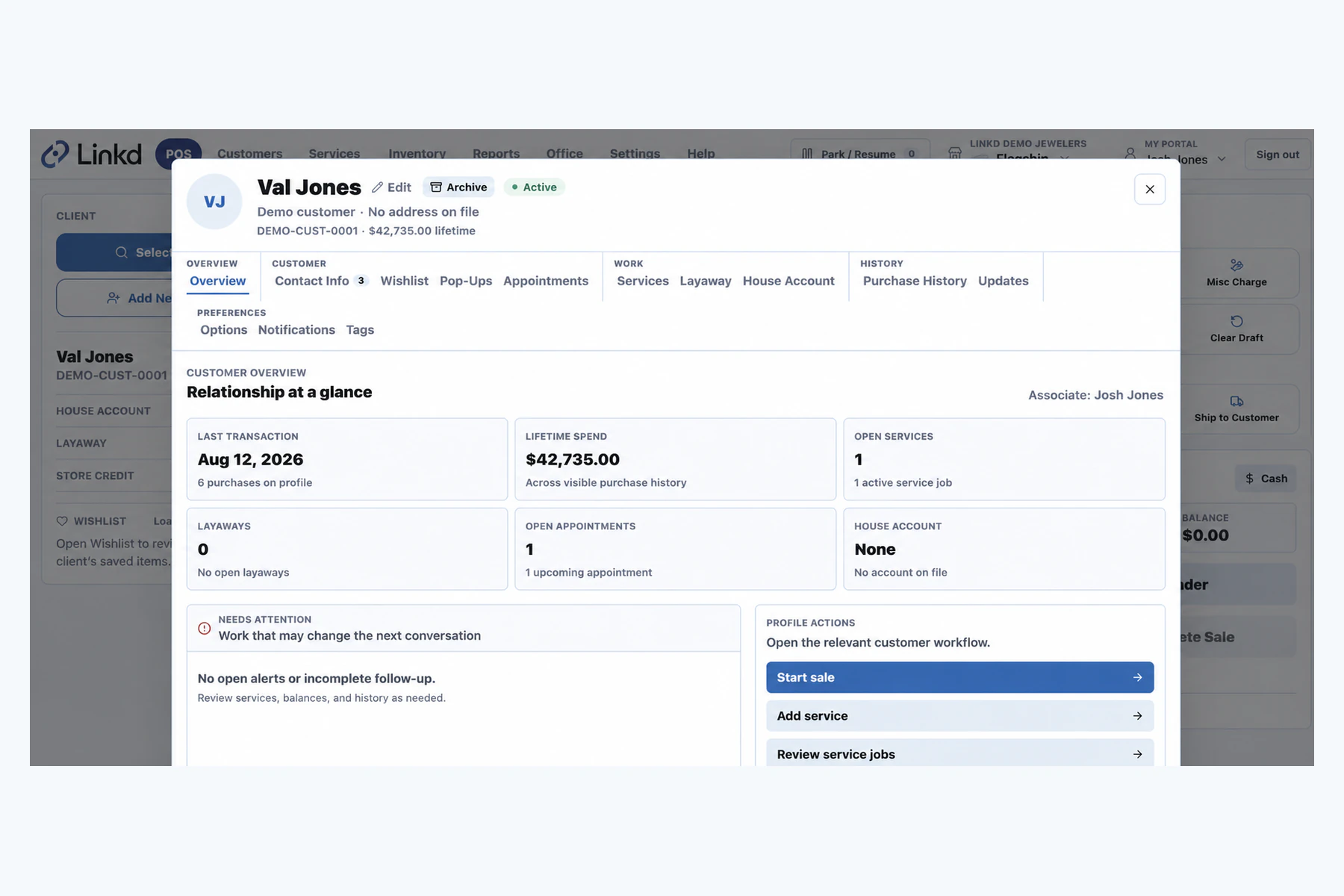
The customer workspace shows the store information a configured CRM connection may use.
What connections do
Configure the information JewelLink or CountRetail needs around the way your store works.
Keep payment activity connected to the sale, customer balance, and daily review.
Map each supported connection around the records your back office needs and the systems it already uses.
What connects and why
Each connection has a specific job. Its exact scope, direction, and setup depend on the provider and the way your store works.
Sales, customers, items, services, payments, and balances are recorded where the team completes the work.
During planning, the team confirms which records move, in which direction, and how often.
The integrations workspace gives operators a place to review configured provider status.
Quick answers
Linkd manages store operations. JewelLink, CountRetail, and JewelHire are separate products that can connect when your store needs them.
No. Linkd works on its own as the POS and store-management system. The other products add customer, analytics, or hiring tools.
Linkd supports planned connections for accounting, tax, e-commerce, RFID, and custom APIs. Exact provider availability and scope are confirmed during integration planning.
Book a demo
Tell us about your store. We will show you the counter, the case, and the back office.